In today's fast-paced printing industry, efficiency is paramount. According to a recent Market Research Report, the demand for high-speed inkjet printers has increased by 45% over the past three years. This trend highlights the need for production processes that facilitate rapid output without compromising quality. Understanding how to increase the production speed of scanning inkjet printers is essential for businesses looking to remain competitive in this evolving market.
Industry expert, Dr. Emily Carter, emphasizes, "Maximizing throughput while minimizing downtime is vital for any modern printing operation." Her insights indicate that businesses cannot afford to overlook the production process. Streamlining workflows and adopting innovative practices can significantly affect overall speed and performance. However, many companies struggle with outdated methods or resistance to change, which can hinder growth.
To address these challenges, it's crucial to explore effective strategies tailored to each operation. Continuous improvement in technology and processes is necessary for sustained success. Companies need to reflect on their current practices and identify areas for enhancement. Initiating changes can be daunting, but the rewards of increased production speed are undeniable.
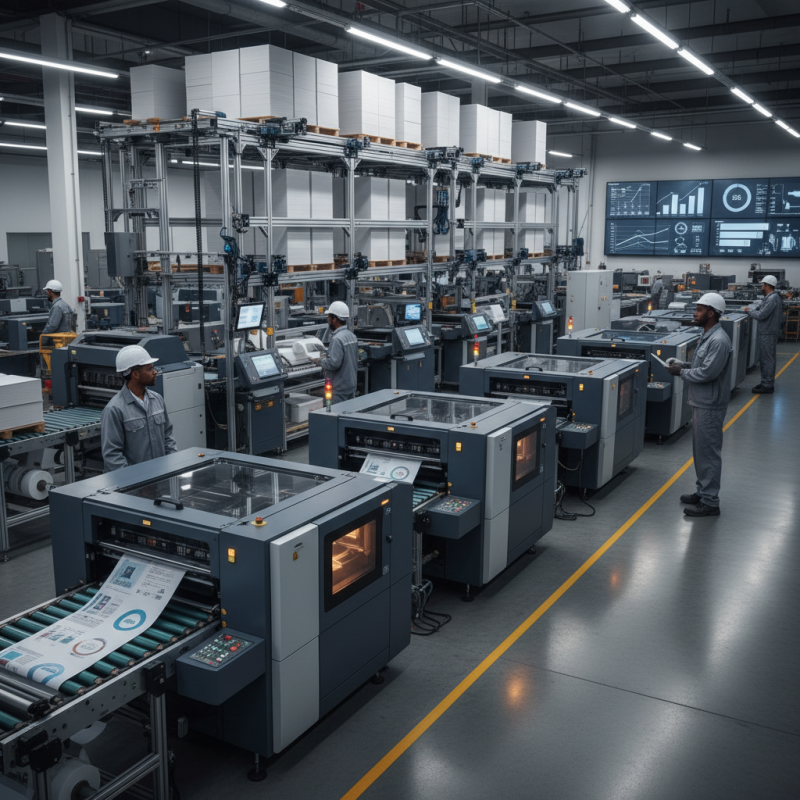
Choosing the right inkjet printer is crucial for maximizing production efficiency. A report by Smithers Pira notes that inkjet technology will dominate the digital printing market, reaching a value of over $100 billion by 2024. This trend emphasizes the need to select printers that not only deliver quality but also speed.
When selecting an inkjet printer, consider print speed. Some models can produce up to 60 pages per minute. Faster printers reduce downtime and enhance productivity. Evaluate the size and type of ink. Higher capacity cartridges can lower costs per print and minimize maintenance.
Regular maintenance is essential. Neglect can lead to slowdowns and printer errors. Performing routine checks ensures consistent output quality. Optimize your workflow by investing in software solutions that streamline job management. A well-integrated system reduces bottlenecks, leading to faster turnaround times.
Lastly, consider switching to bulk ink systems. This can significantly reduce ink costs and improve efficiency. Integrating these practices can improve your inkjet printing output and position your operation for growth as industry demands evolve.
Understanding print speed is crucial for any inkjet printing process. The dots per inch (DPI) setting significantly impacts production times. Higher DPI means better quality images but slows down the printing speed. Balancing print quality with speed can be challenging.
For those looking to enhance efficiency, here are some tips. Ensure you're using the right paper. The wrong type can cause jams and slow down printing. Regularly clean your printer heads to prevent clogs. Clogged nozzles can lead to poor quality and longer production times.
Consider using draft mode for internal documents. This can drastically improve speed without sacrificing adequate quality. Additionally, organizing print jobs can help streamline your workflow. Group similar tasks to minimize setup times. Remember, small adjustments can lead to noteworthy improvements in production efficiency.
Regular servicing of your inkjet printer is crucial. It not only boosts performance but also extends the printer's lifespan. Dust and debris can accumulate over time, impacting print quality and speed. Regular maintenance helps to clear these blockages, ensuring your printer runs smoothly.
One common oversight is neglecting the ink cartridges. Replacing them timely prevents clogs and enhances print quality. Also, checking for software updates can seem tedious but contributes significantly to the printer's efficiency. Sometimes, minor adjustments can yield noticeable improvements.
While servicing, be open to learning about your printer's needs. Every model has unique requirements. Ignoring these can lead to unexpected breakdowns. Reflecting on past service experiences can guide future actions. Consider hiring a professional for thorough maintenance, as this can reveal issues that are hard to detect.
When aiming to improve output in inkjet printer production, utilizing high-quality inks plays a crucial role. Reports suggest that subpar inks lead to increased downtime. According to the Printing Industries of America, companies can experience up to a 25% reduction in efficiency due to ink-related issues. High-quality inks offer better consistency and reduce the need for frequent nozzle cleanings. This translates to fewer interruptions and a more streamlined workflow.
Investing in premium inks can also enhance color accuracy and vibrancy, key factors in print quality. High-quality inks often consist of finer pigments, which minimizes clogs and helps print heads last longer. A study by the Inkjet Printing Association indicates that high-quality inks can improve printer lifespan by up to 30%. While the initial cost may be higher, the long-term savings in maintenance and downtime provide substantial benefits.
However, not all inks are created equal, and it’s essential to test different options. Sometimes, the most expensive ink may not deliver the best results for specific projects. Regularly evaluate your ink choices to ensure they align with your production needs. Such reflections can lead to more informed decisions and sustainable operations in the long run.
Incorporating a proper workflow management system is essential for enhancing the production capabilities of inkjet printers. According to a recent report by Smithers Pira, effective workflow solutions can increase productivity by up to 30%. This highlights the importance of optimizing each step—from job submission to printing and finishing. Streamlined procedures reduce errors and save time.
Implementing digital job tickets can significantly improve tracking and accountability. With an estimated 50% of printing companies lacking real-time monitoring systems, there’s room for considerable improvement. Using intuitive software can minimize delays. It's common to overlook integration with existing equipment, so this shouldn’t be neglected.
Automated inventory management also plays a crucial role. Research shows that maintaining optimal stock levels can prevent production bottlenecks. Inadequate supplies cause nearly 15% of delays in printing processes. By addressing workflow inefficiencies and adopting modern management strategies, businesses can substantially boost output and maintain client satisfaction. It’s important to evaluate current systems and identify areas needing enhancement.
| Tip Number | Tip | Implementation Method | Expected Time Savings (hrs/week) | Notes |
|---|---|---|---|---|
| 1 | Regular Maintenance | Schedule weekly cleanings and checkups | 2 | Extends printer life and reduces downtime |
| 2 | Use High-Quality Ink | Opt for reliable suppliers | 1 | Improves print quality and efficiency |
| 3 | Optimize Print Settings | Fine-tune settings for different materials | 3 | Saves material and time |
| 4 | Implement Job Tracking | Use software to track print jobs | 4 | Enhances accountability and reduces errors |
| 5 | Streamline Workflows | Create standardized procedures | 5 | Increases overall production efficiency |
| 6 | Invest in Better Hardware | Upgrade to faster inkjet printers | 8 | Rapid output with improved reliability |
| 7 | Train Employees | Conduct regular training sessions | 2 | Improves skills and reduces mistakes |
| 8 | Monitor Usage Patterns | Analyze job logs for improvement | 1 | Identifies potential bottlenecks |
| 9 | Establish Quality Control | Implement final inspection stages | 2 | Reduces rework and waste |
| 10 | Feedback Loops | Regularly collect and analyze feedback | 1 | Improves service and product offerings |
: Choosing the right printer maximizes production efficiency and improves print quality and speed.
Evaluate print speed, ink capacity, and regular maintenance needs for optimal performance.
Some models can produce up to 60 pages per minute, reducing downtime.
They lower costs per print, reduce maintenance needs, and enhance productivity.
Neglecting maintenance can result in slowdowns and printer errors, affecting output quality.
They streamline job management, reduce bottlenecks, and lead to faster turnaround times.
Bulk systems can significantly reduce ink costs and improve overall printing efficiency.
They enhance color accuracy, reduce clogs, and minimize the need for frequent cleanings.
Yes, they can improve lifespan by up to 30% while decreasing maintenance needs.
Test different inks to find the best match for specific project needs, and evaluate regularly.
To increase the production speed of scanning inkjet printers, selecting the right printer that balances speed and quality is fundamental. Understanding how DPI (dots per inch) settings impact print speed is crucial, as higher DPI often results in slower production times. Regular maintenance and servicing of printers can significantly enhance their performance and longevity, reducing the likelihood of downtime.
Moreover, utilizing high-quality inks ensures consistent output while minimizing interruptions due to ink-related issues. Implementing effective workflow management systems streamlines the production process, allowing for a more efficient operation overall. By following these strategies, businesses can effectively enhance their inkjet printer productivity and achieve faster turnaround times.

DD-Tech Print